Zazzle is a place we’d browse for a small custom-mug order when we have a clear logo, photo or message and time to review it carefully. It combines ready-made templates with product choices such as mug size and handle color. We’d use that variety to find a suitable starting point, then check the exact design and delivery estimate. If a gift or event is only days away, a local print shop that can confirm a proof and collection date may be the better choice.
Compare templates and mug types, then replace the example artwork and review the finished selection before ordering.
Browse custom mugsStart with a template that solves your job
The Design Your Own Logo Design Coffee Mug is a concrete example for a simple business or club gift. The pictured print says “Your Logo Here,” which is placeholder artwork to replace, not the finished item you want to order. Its page identifies the template’s creator as studioZ. The order and product terms are handled through Zazzle; an individual designer’s storefront is not the same thing as a separate delivery or refund policy. Template page
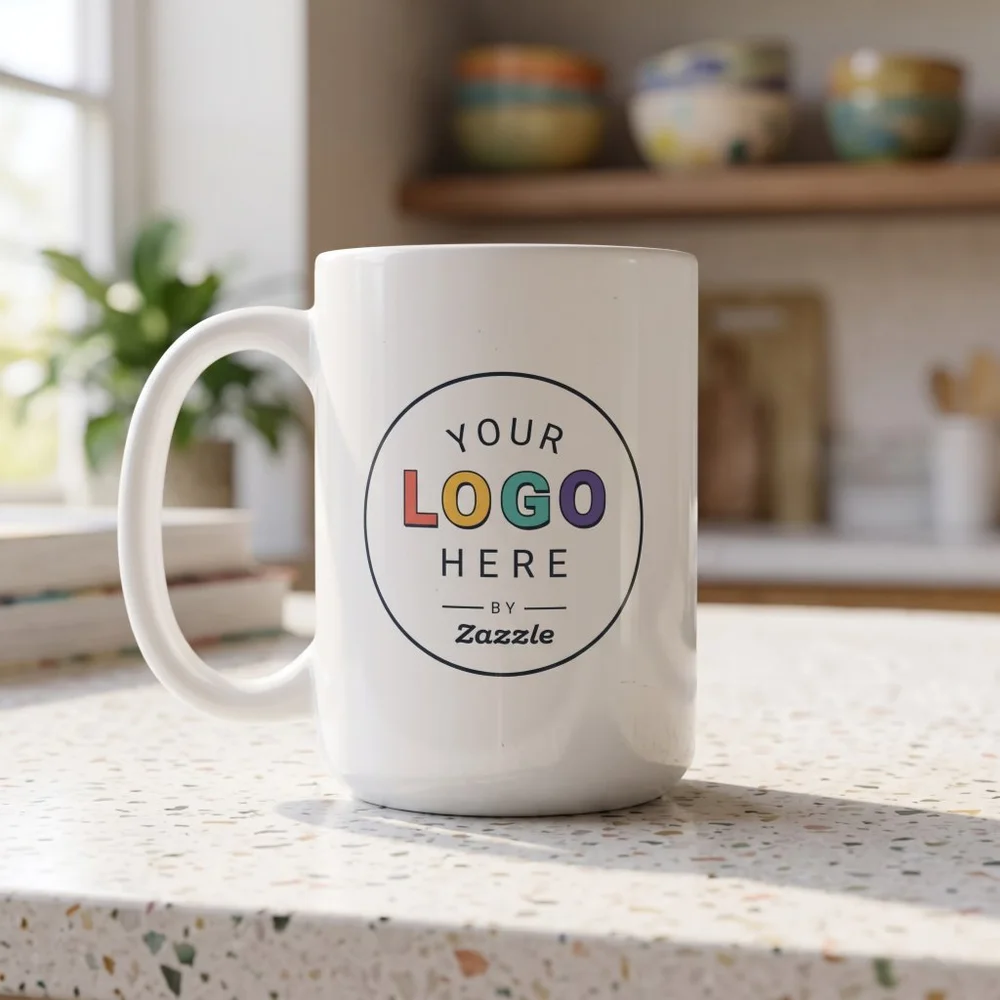
A studioZ template for a Zazzle Classic Mug. “Your Logo Here” is placeholder art; choose size and customize it before ordering.
See this mug templateWe’d first decide what belongs on the mug: one logo, one photograph or a short line of text. A small design can become hard to read when it tries to do all three. If you want a logo gift, start from the original artwork file rather than a tiny thumbnail copied from a message or a screenshot of a business card.
Open the customization options for the selected template and review what you can replace. Check whether the placeholder text, border and background are still present after making your changes. The most attractive template is not useful if the fixed elements crowd the design you want to use.
Choose the mug before refining the artwork
The Classic Mug is offered in11- and 15-ounce sizes. The published dimensions are 3.2 inches in diameter by 3.8 inches high for 11 ounces, and 3.4 by 4.5 inches for 15 ounces. The product description lists ceramic construction and dishwasher and microwave suitability. Other mug types, such as two-tone or travel versions, are different selections with their own details. Classic Mug specifications
Choose the capacity the recipient would use rather than judging it from the size of the mug on screen. If you are making a group order, confirm whether everyone gets the same size and design. Then check the quantity in the basket separately. A quantity discount should not obscure the cost of the actual number of finished mugs you need.
We’d finalize the size and base product first, because changing them can alter the printable area and how the artwork sits on it. A design that looked balanced on one mug shape may need another review after moving to a taller or wider version.
Review the design from the reader’s side
Read every word as if you were seeing it for the first time. Check the company or person’s name, date, capitalization and punctuation. Then look at the artwork’s position relative to the handle and edges. If you expect a design to appear on both sides, verify that in the selected template and final preview rather than assuming it from a rotating photograph.
For a photo gift, use a clear original image and inspect the crop around faces. For a logo, look at the smallest lettering and thin lines. We’d keep the essential information large and leave room around it. Enlarging a poor source file in the editor does not create the detail missing from the original.
Save the final preview and selected product details with the confirmation. We have not placed an order or tested a finished print, so we would not promise color matching from a screen. If precise brand color or print consistency across a large run is essential, ask for a sample or choose a printer that can provide the proofing process you need.
Read the current two-level return policy
Zazzle changed its return policy, effective October 1, 2026. Standard Returns cover problems on Zazzle’s side, such as production errors, damaged or wrong items, with a 30-day request window after receipt. They do not ordinarily cover the buyer’s typo, selected size or a canceled event.
The optional Worry-Free Returns add-on expands the policy to 60 days and includes buyer mistakes and other stated change-of-plan reasons. It is priced per order and includes a design-review service. Read that choice before paying, with the actual basket total; do not mistake an older general “satisfaction guarantee” description for the standard coverage on today’s order.
Use the arrival estimate for the selected order
Check the address-specific estimated arrival after choosing the product, quantity and shipping method. A custom item must be produced before it travels. If several products are involved, check whether their estimates differ rather than assuming one dispatch date covers the whole gift project.
We’d choose Zazzle for a manageable custom design we can review carefully and a deadline with room around it. For a high-stakes event order, confirm a sample and timetable first; for an immediate gift, local printing may remove more uncertainty than a faster shipping upgrade.
US product and return information reviewed November 20, 2026. No design submission, order or print test was performed. Cover reconstructs the merchant’s template example; “Your Logo Here” is a placeholder. The product card uses the published template image.