
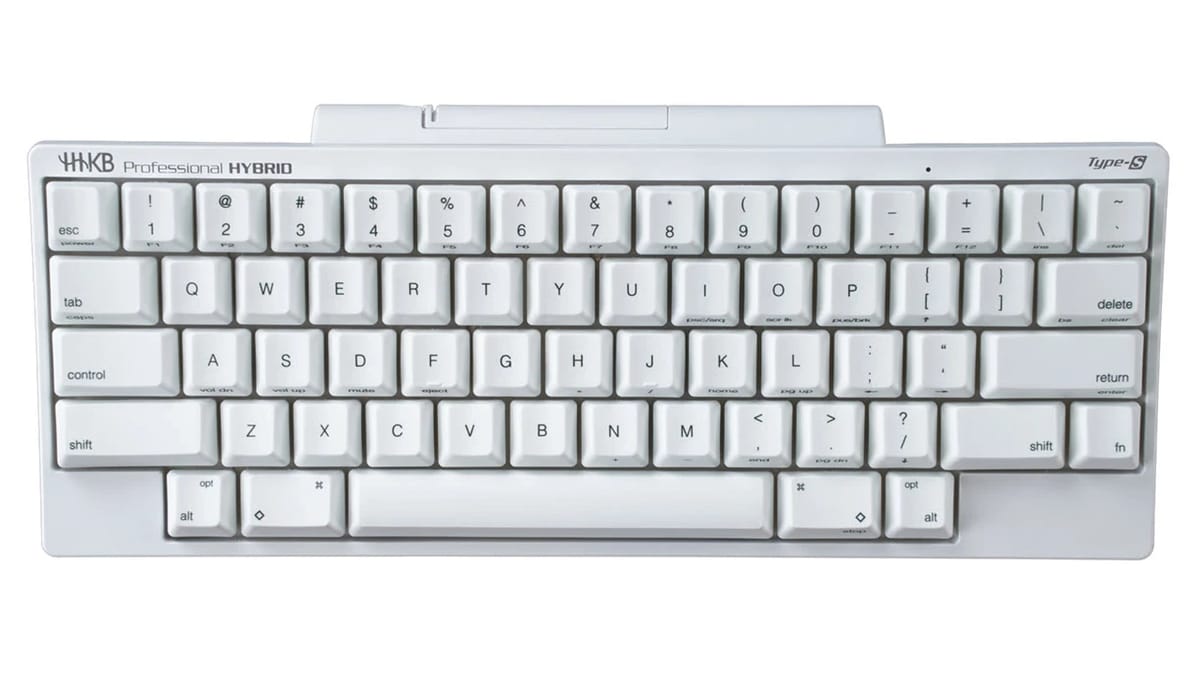
The PFU Ricoh Store is our starting point for a new HHKB in the US when you already want the brand’s compact layout and need to compare the exact model, key weight and keycap option. It puts the Professional variants and their part numbers in one catalog, with a US support route attached. The important limitation comes before the color choice. Read the keyboard’s purchase conditions before treating the order as a way to try an unfamiliar layout at home.
Compare Professional models by connection, key weight, keycap legends and exact part number. Confirm the keyboard purchase terms.
Browse HHKB Pro modelsBegin with the shortcuts you use every day
An HHKB Professional puts a lot into a small footprint. Look at the key layout in the manufacturer’s product photographs and manuals before deciding whether that suits your work. Find Control, Backspace, the Fn key and the functions you currently reach for without thinking.
Then run through a short piece of your own work on paper. If you use the arrow keys to select cells, tap function keys while debugging, or reach for a number pad, locate the equivalent action on the HHKB layout. That is more informative than choosing a keyboard because someone else calls it a programmer’s favorite. The space saved on your desk is useful only if you are happy with the way you will enter those commands.
The Pro family and HHKB Studio also deserve separate looks. The manufacturer’s custom-keyboard guide distinguishes the Professional models’ Topre switches from Studio’s mechanical switches and pointing controls. Choose the family whose features you want before comparing colors across the entire catalog.
Compare a wired Classic Type-S with the wireless HYBRID
For a keyboard that stays at one computer, we would start with the Professional Classic Type-S, Snow, stamped, 45g. The official page identifies part CG01000-399208, USB-C connectivity and Type-S capacitive switches. Printed legends are a useful reference when learning the layout. A blank-keycap version of another model may look nearly identical in a small photograph, so keep the part number in your comparison.
For moving between a laptop and other devices, compare the Professional HYBRID Type-S in Snow, 45g. This stamped version is CG01000-307201. Its product page lists USB-C plus Bluetooth and support for up to four paired Bluetooth devices. It gives you a concrete reason to consider the HYBRID instead of choosing it solely because it sits higher in the range.
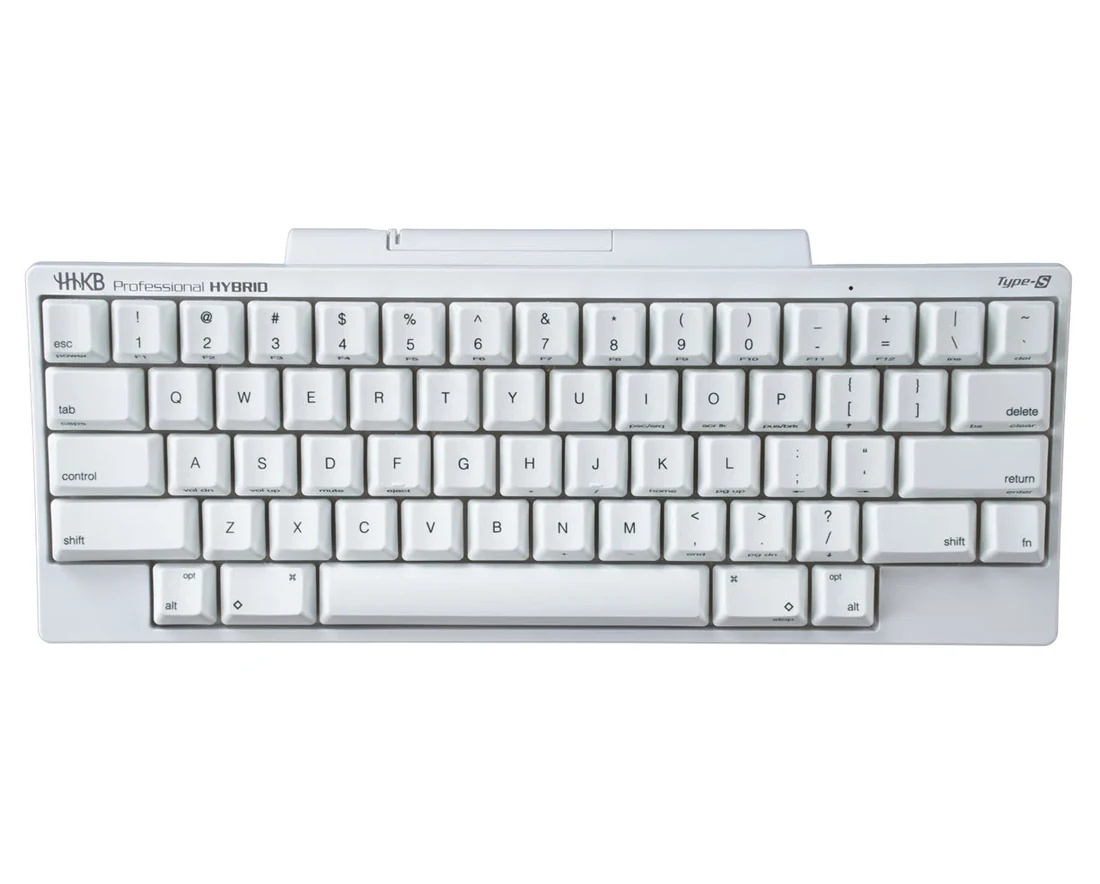
Part CG01000-307201 combines USB-C and Bluetooth. Compare it with the wired Classic Type-S if the keyboard stays at one desk.
View the Snow HYBRIDThe catalog also lists 30g anniversary versions. Those are a separate key-weight choice. The 30g versions appeared unavailable when we reviewed the catalog, while ordinary 45g versions had an order option. Avoid using an anniversary photograph or an old sale price as a substitute for the exact keyboard you intend to buy. Official Pro catalog
Check setup support before adding accessories
Open the support page for your selected model and confirm how you will use the keymap tool. Check its current operating-system requirements and the cable connection used for setup. Keep the keyboard’s model generation in the filename you download. A feature on Studio or a newer Classic variant does not establish the same behavior for an older Professional model.
We would buy the keyboard first and add keycaps later if this is a first HHKB. The manufacturer sells different accessory sets for its product families. Match the compatibility list to the exact keyboard, particularly when comparing a Pro keycap set with a Studio set. A replacement set pictured beside a keyboard can be sold by itself. Professional keycap example
Know what happens if the layout is wrong for you
The PFU Ricoh Store’s FAQ gives its 30-day money-back wording to scanners and portable monitors, then describes accepted orders for other products as final. The terms of sale also make exceptions dependent on the return policy applicable to the purchase. Confirm the keyboard-specific terms before paying if you are still deciding whether you can use the layout.
The keyboard product page separately advertises a two-year advanced-exchange warranty. Use the warranty information for faults and support eligibility. An equipment warranty and a change-of-mind return answer different questions.
That distinction is a reason to compare another authorized channel when a trial return matters to you. HHKB’s Classic Type-S announcement lists several US sales channels. Read the seller, item condition and applicable return terms on the offer you choose. During this review, one older Amazon Hybrid listing showed used offers, while a Snow listing showed an Amazon.com offer. A familiar model name alone does not identify the same purchase.
US manufacturer product pages, catalog, support material and selected Amazon listings reviewed November 20, 2026. Model availability and seller offers can change.